Your playlists,
made for the remote.
A fast IPTV player for the M3U and Xtream playlists you already have: live TV, a full TV guide, catch-up, movies and series. For Android TV, Fire TV, Samsung and LG TVs, and your browser.

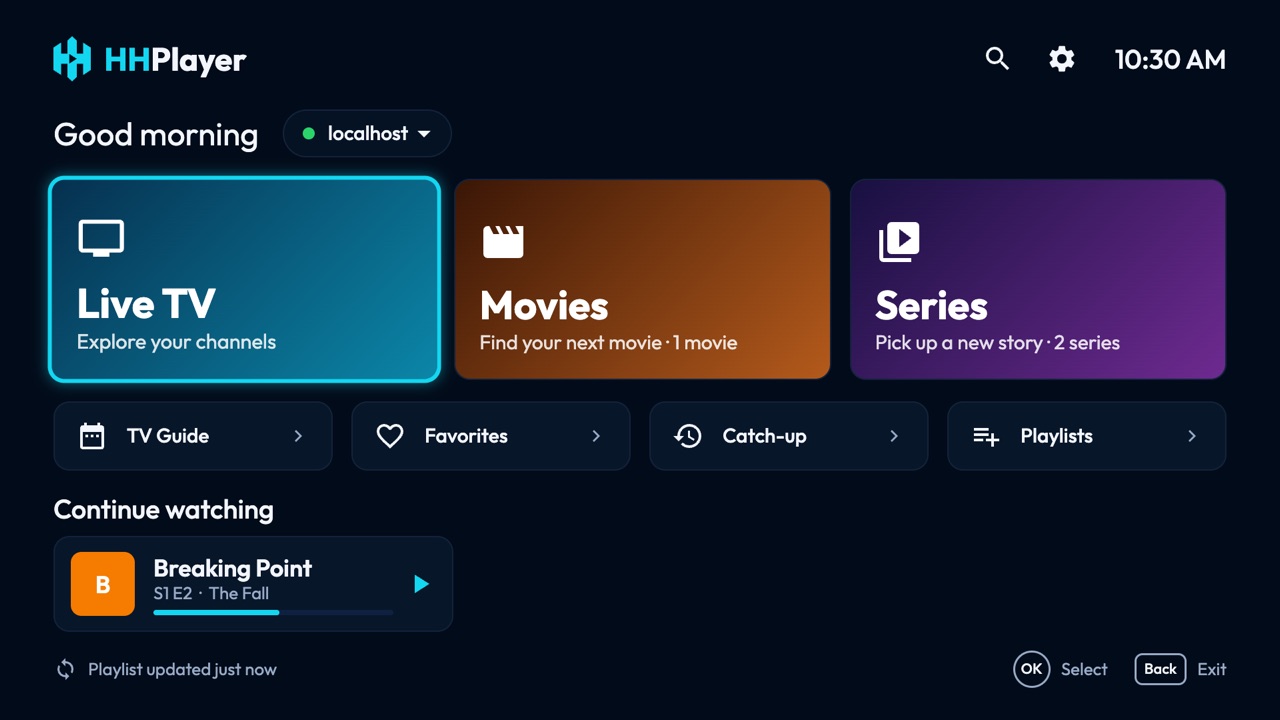
Everything you watch, one remote away
Designed for the D-pad first and built to stay smooth on low-end TVs and sticks, even with tens of thousands of channels.
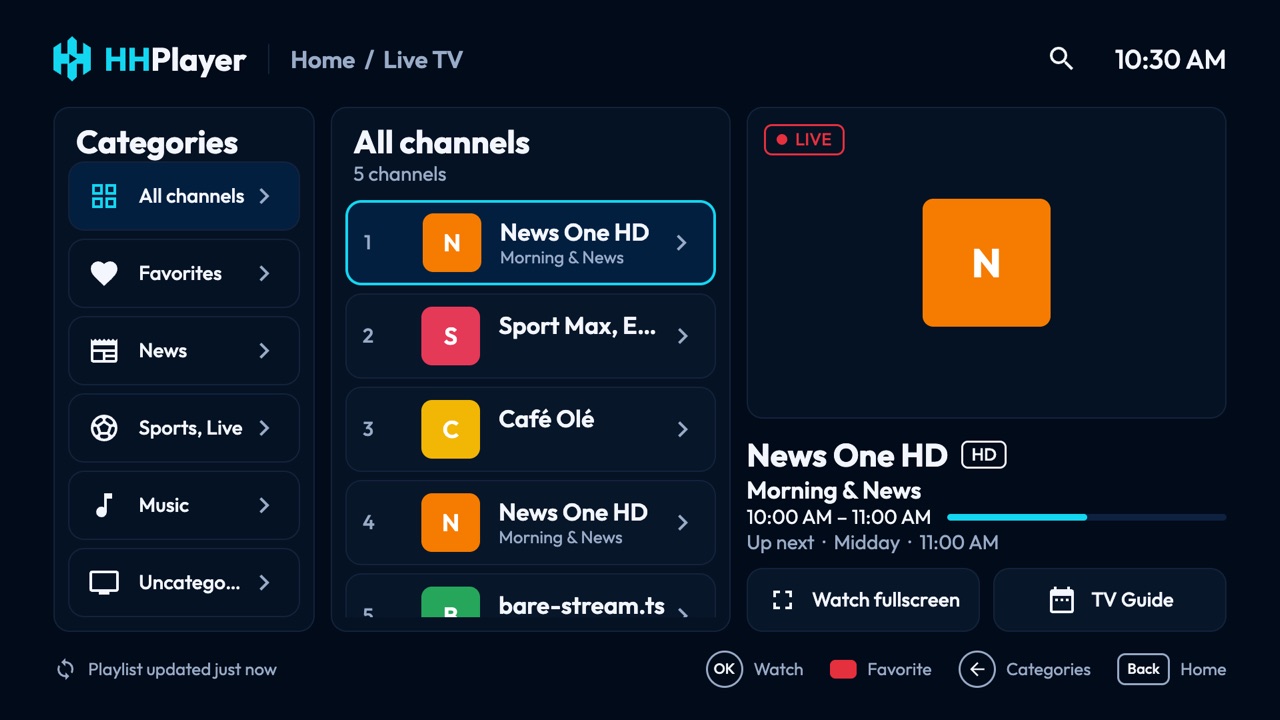
Live TV with preview
Categories, favorites and a preview that starts as you browse. Channel up/down and number keys work as on any TV.
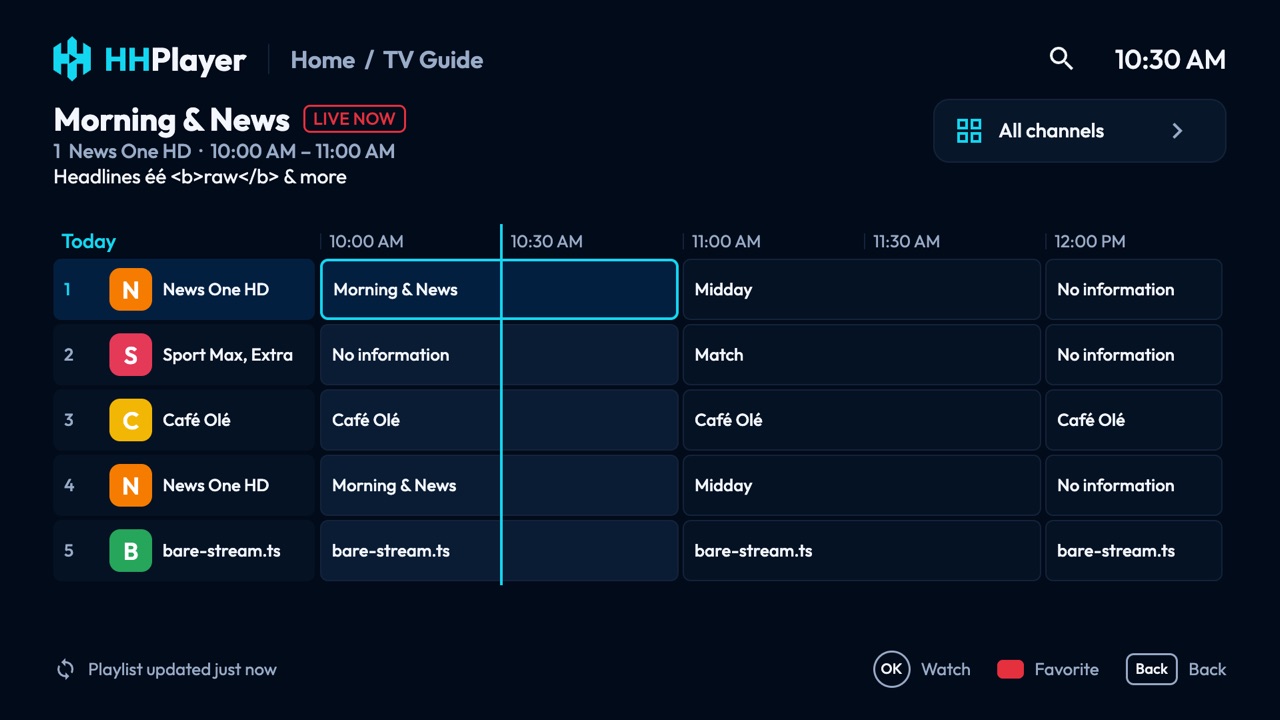
Full TV guide
A grid guide from your provider's XMLTV data: what's on now, what's next, and a day ahead.
Catch-up
Start over and replay past programmes when your provider keeps an archive, including Xtream timeshift.
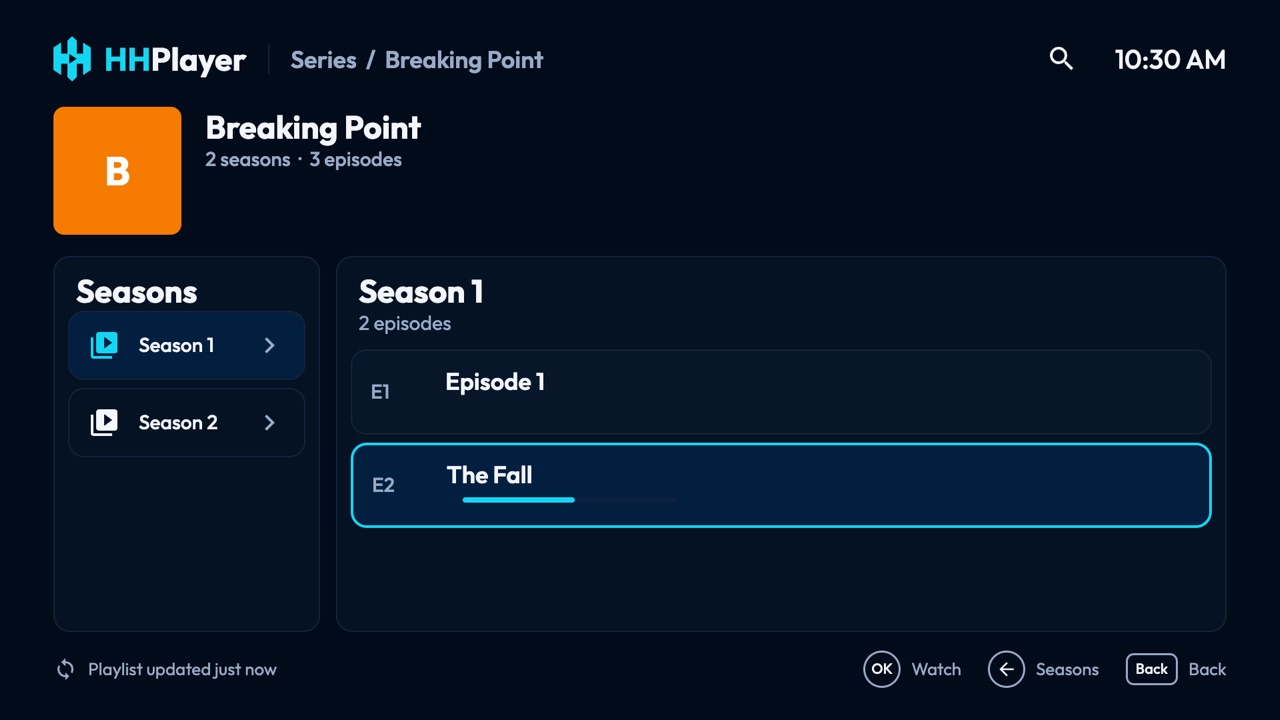
Movies and series
Seasons and episodes, resume where you stopped, Continue watching on the home screen, next episode on its own.
Your languages
Pick audio and subtitle tracks; HHPlayer remembers your choice for the next channel.
Private by design
No accounts, ads or tracking. Your playlists and history stay on your TV.
Made for the big screen
The same clean interface on every TV.
On your TV
HHPlayer is on its way to the TV app stores.
Android TV
Google TV and Android TV, 7.0 and later
Coming soonFire TV
Amazon Fire TV sticks and TVs
Coming soonSamsung
Smart TVs from 2018 (Tizen 4.0+)
Coming soonLG
Smart TVs from 2018 (webOS 4.0+)
Coming soonWeb browser
Self-hosted on your computer or server
Available nowRun it in your browser
Browsers can't open most IPTV providers directly, so the web version comes with a small server you run yourself, on your computer, home server or NAS. It serves the app and passes provider requests through. Nothing goes through us.
docker build -f apps/web/Dockerfile -t hhplayer https://github.com/hatimox/iptv-player.git
docker run -p 8080:8080 -e HHPLAYER_PASSWORD=choose-a-password hhplayer
Then open http://localhost:8080. Without a password, only your own computer and local
network can connect. Use the arrow keys, Enter and Esc, or the mouse. Without Docker:
run it with Node.js.
No playlist yet? Add the demo playlist to try it: https://hhplayer.app/demo.m3u